
Logging in as an Executive
Rubric allows users to log in as individuals, or as clubs. If you are a group executive and your user account is connected to your club account, you are able to swap to the club account after logging in as a user. If you are a group executive and your user account is not connected to your club account, your group's president must assign you willan needexecutive to log in viarole. theThey Rubriccan Clubdo portal.so Youby should avoid logging in via your club account outside of transferring primary control offollowing the account to another user.
Onhellorubric.com, clicksteps onthethis"Login"page.drop-down and selectClubs Portal,or go to portal.hellorubric.com.Login with yourclub emailand password.IfOnce you
doarenotassignedknowanyourexecutivepassword, but have access to your club email,role, you canrequestloga password reset.If you do not have accesstointo yourclub email, reach out toclubs@uasu.cato have theuser accountemailandchanged.If you are prompted to create a club account, you are using the wrong email. Reach out toclubs@uasu.cato confirm the proper email address.
If you successfully log in, you should be on the club management page:
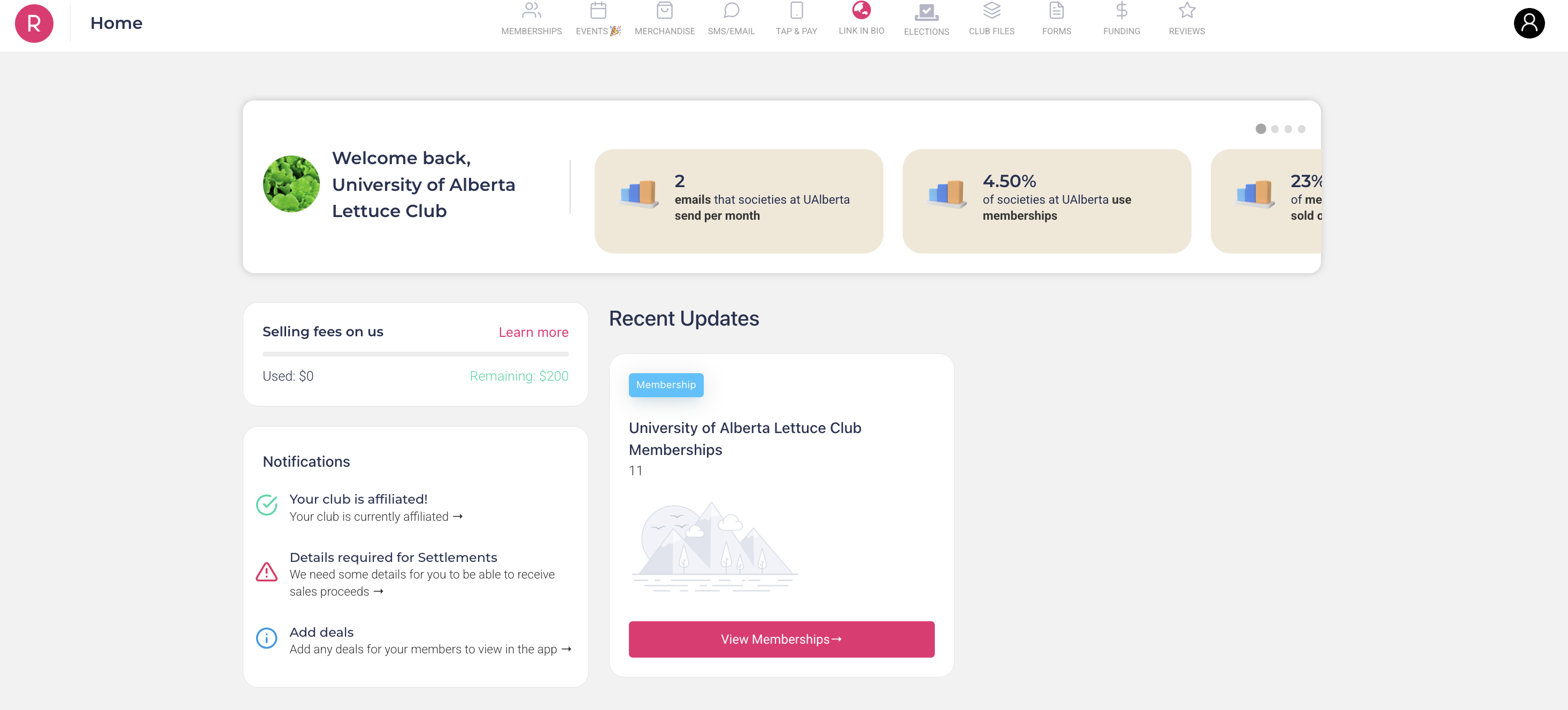
If you are setting up your executive access to your group's account, the next step is to grant yourself permission as the primary officer (President or equivalent) of the student group.
Click on the icon in the upper right-hand corner of the clubs homepage.Click "Society Exec Team".Scroll downswitch to thebottom table, and click "Addclubexecutive".Input all information using yourUAlberta email, and set yourself as President.As a precaution, double-check that the President role hasall permissionsusing the top table.
Finally, you should ensure you have access by logging in to your student account.
YouIf have nowyou successfully setlog upin, youryou studentshould accountbe ason the primary officer! You can also add other executives to the team to link their accounts to the club account.management Dopage: