Logging in as an Executive
Rubric allows users to log in as individuals, or as clubs. If you are a group executive and your user account is connected to your club account, you are able to swap to the club account after logging in as a user. If you are a group executive and your user account is not connected to your club account, your group's president must assign you an executive role. They can do so by following the steps on this page.
Once you are assigned an executive role, you can log into your user account and switch to the club account.
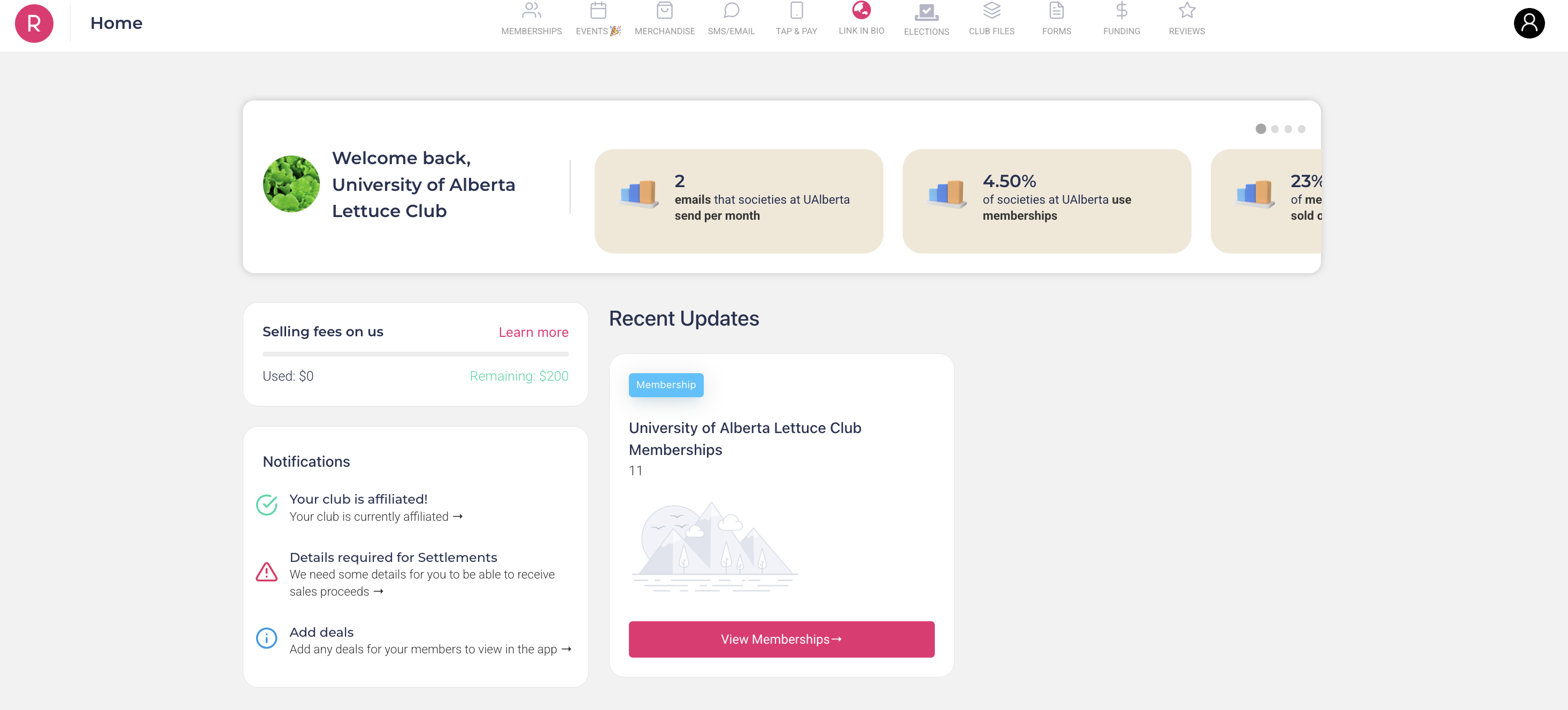
If you successfully log in, you should be on the club management page: